
Useful when you want to collect payment for a custom amount or need to request payment quickly without creating an order — for example, for deposits, custom quotes, or offline sales.
-
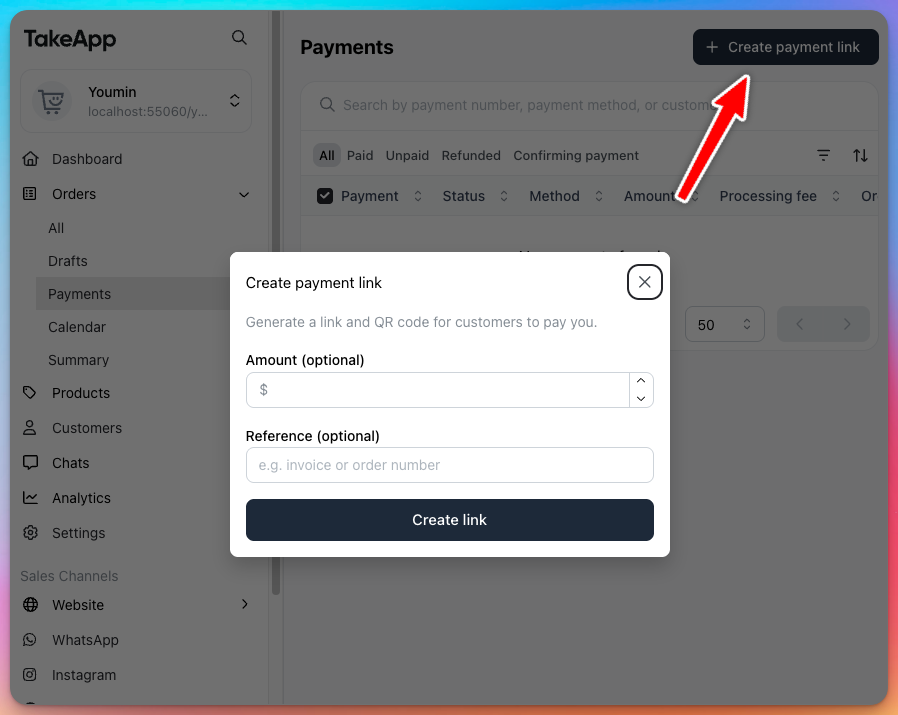
Go to Admin → Orders → Payments.
-
Select Create payment link.
-
Enter an amount (optional) and reference (optional), then click Create link.
-
Share the link with your customer.
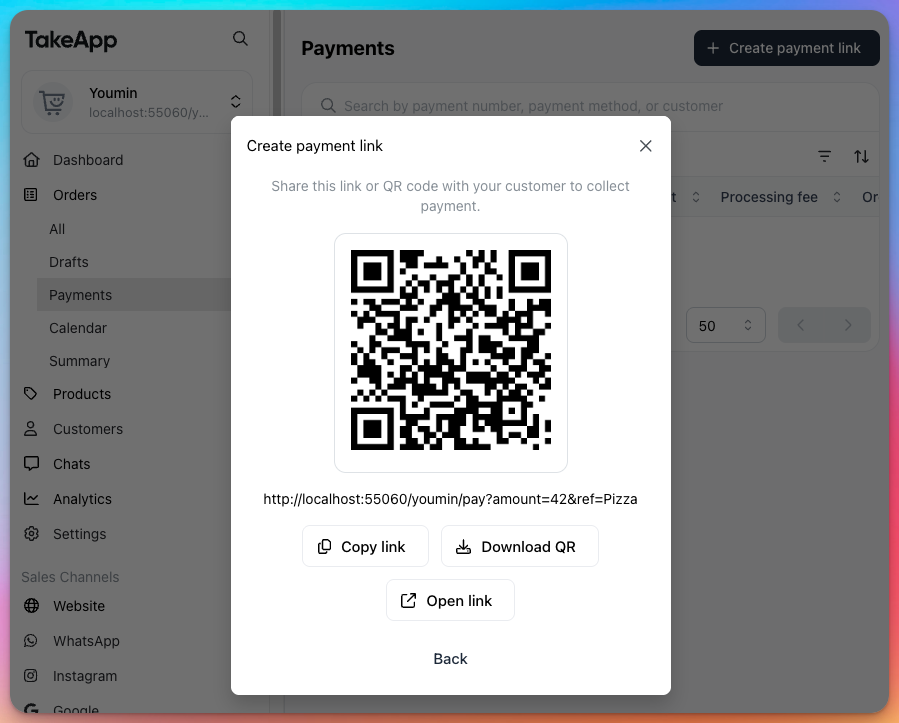
This creates a payment link only — it does not generate an order.